Add one photo or a batch
Bring a portrait, pet photo, product shot, group picture, or a whole folder of images.
Photo in. Sticker set out.
StickerSplit is a photo to sticker maker for chat fans, planner users, and creators. Make and preview stickers free, then sign up for 1 free download credit.
Working with 2–20 photos?Choose a folder, follow the batch queue, and download one organized ZIP.Open Batch makerYour sticker studio
Upload a photo and let StickerSplit find people, pets, and common objects for you. Get clean, outlined cutouts, then download your favorites as transparent PNGs or one ZIP of separate stickers.
Input → output
Start with the original photo. These five separate stickers were made from it with the automatic tool. Pick your favorites and choose the border color you like.

One normal JPG, PNG, or WebP — background included.
2 · Auto cut
Find subjects automatically

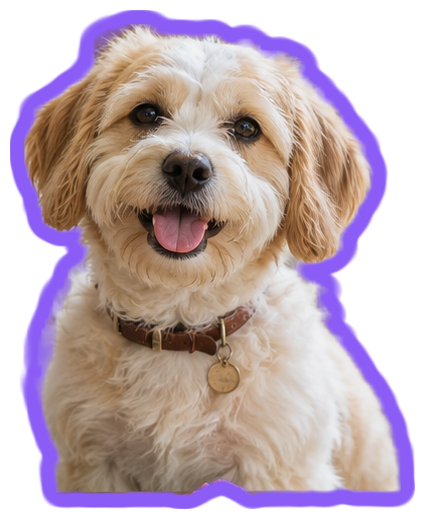
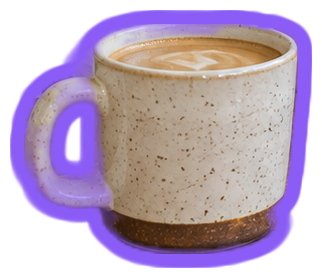
Five separate PNG files, with a custom purple border. Download your stickers individually or as a ZIP.
From photo to sticker pack
Bring a portrait, pet photo, product shot, group picture, or a whole folder of images.
StickerSplit finds people, pets, and common objects for you. Add any missing detail with the optional manual selection.
Sign in to save transparent PNG or 512px WhatsApp WebP stickers. Each image uses 1 credit, including images downloaded together in a ZIP.
One editor, every sticker job
The same photo can become a chat reaction, a product sticker, planner decoration, or a complete printable set.
Add a JPG, PNG, or WebP photo. StickerSplit automatically finds people, pets, and common objects, cuts them out, and adds an outline. Download the stickers you like, or manually add another object from your photo.
Yes. Recognized subjects become separate stickers automatically. Want another detail from the photo? Add it with manual selection, then download your sticker set together as a ZIP.
Yes. Upload multiple photos together and StickerSplit works through them automatically. Your stickers stay together, ready to download as individual images or one ZIP.
Choose transparent PNG for design, printing, and digital planners, or 512px WebP for compact WhatsApp sticker packs.
Yes. Change the border thickness or color and all your stickers update immediately. Slide the thickness to zero for no border. Downloads use the style you see in the preview.
Generating, previewing, and editing stickers is free in both Standard and High quality. Sign up to get 1 free credit. Downloading each PNG or WebP image uses 1 credit; a ZIP uses 1 credit for each image inside. Buy more credits in one-time packs when you need them.
No account is needed to generate, preview, or edit stickers. Sign in to download them. New accounts receive 1 free credit, and each downloaded image uses 1 credit.
Use JPG, PNG, or WebP images up to 25 MB each. A clear photo with distinct people, pets, or objects is a good starting point.
Yes. Transparent artwork becomes one sticker with its design preserved. Adjust the border and download the finished image.
Standard is the default starting point; High quality is an optional cutout mode for another pass on your photo. Both find subjects automatically and support manual selection. Choose a mode before uploading, or use Find stickers again after switching.
Download 512 × 512 WebP images, then import them with a compatible sticker app. Extract the files first if you downloaded a ZIP.
Your photos are processed in your browser. The sticker editor keeps the original images and cutouts on your device while you work.
PNG size follows the cutout, with up to 1,600 pixels on its longest side before the border is added. WhatsApp WebP files are 512 × 512 pixels. For printing, choose the physical size in your design or printing app.
No. StickerSplit adds no watermark to your downloaded PNG or WebP stickers. The border you choose is included.
Choosing a tool for your photos? Compare photo sticker makers by cutout workflow, editing, and downloads.
Pick the moments, people, and objects worth keeping. StickerSplit turns them into a set you can download and share today.