Keep the useful subject
Choose the exact person or object instead of keeping the full rectangular image.
Transparent sticker maker
StickerSplit makes transparent stickers for creators working on designs and collages, with free generation and previews. Sign up for 1 free credit; each downloaded image uses 1 credit.
Turn portraits, products, pets, and objects into flexible transparent stickers for designs, mockups, presentations, planners, and chat packs.
Your sticker studio
One photo, separate stickers
This sample becomes five automatic cutouts. Each sticker is a separate transparent PNG, shown here with a purple border.


Person
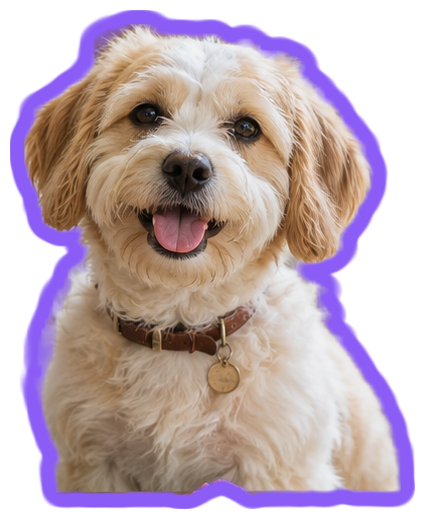
Dog
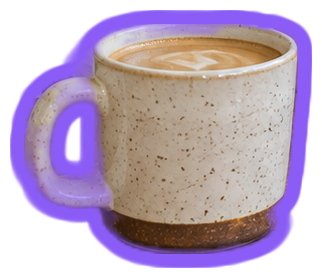
Coffee cup
Plant
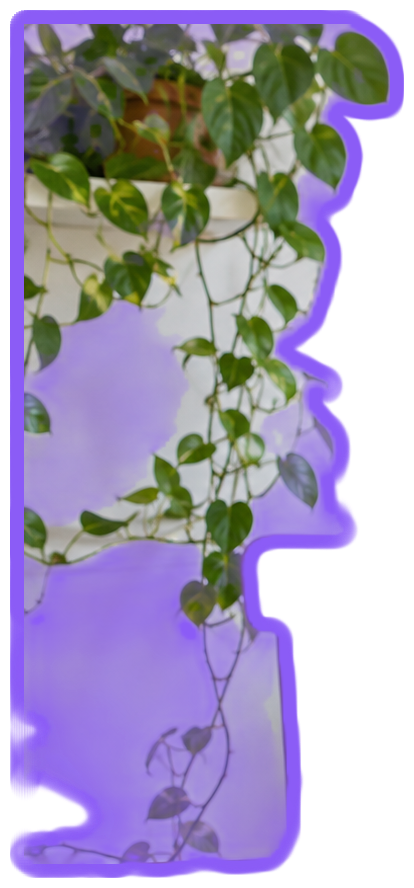
Hanging plant
Keep them all
Individual files or one ZIP
Choose the exact person or object instead of keeping the full rectangular image.
Add a crisp outline that stays visible on light and dark backgrounds.
Transparent files fit naturally into designs, messages, planners, and product visuals.
Choose a JPG, PNG, or WebP image up to 25 MB.
The tool finds subjects automatically. Keep the ones you like and adjust their borders.
Save a PNG for designs or a 512px WebP image for chat stickers.
Transparent sticker maker
Only the subject and any outline remain visible. The surrounding pixels are transparent, so another page or image can show through.
Yes. Try a white or light-colored border to make the subject stand out on dark pages and chat backgrounds.
No. The pale background behind each preview is there to help you see the sticker. The PNG or WebP image keeps transparent space around the cutout.
Yes. Choose Download all to save one ZIP containing your finished stickers as separate PNG or WebP files. The ZIP uses 1 credit per image inside, and the total is shown before downloading.
Yes. Change Border thickness or Border color and all your sticker previews update immediately. Downloads keep the style you see. Set thickness to 0 for a cutout without a border.
Generate transparent stickers and edit previews free without signing up. Sign in for PNG, WebP, or ZIP downloads. New accounts get 1 free credit; every downloaded image costs 1 credit, including each image in a ZIP.
JPG, PNG, and WebP images up to 25 MB each can be added to the tool. A JPG photo can become a PNG or WebP sticker with transparent space around the cutout.
StickerSplit automatically finds common subjects in photos and cuts away the surrounding scene. Review the separate results or choose an object yourself to add another cutout.
Already-transparent artwork keeps its shape as a single sticker. You can add a border or set Border thickness to 0 for a plain transparent cutout.
High quality gives you another cutout option for tricky edges or a busy background. Choose it under Quality and select Find stickers again to process the current photo.
Background removal runs in your browser on your device. Your image files are not uploaded to a server for processing.