Add a sticker-style edge
A visible outline helps a cutout stand apart from the page or design behind it.
PNG to sticker
StickerSplit turns PNG artwork into stickers for designers and planner users, with free generation and previews. Sign up for 1 free credit; each downloaded image uses 1 credit.
Give transparent artwork, icons, and cutouts a white, black, or custom-colored edge. Upload your PNG, adjust the border while you preview it, and save a sticker for your next design.
Your sticker studio
One photo, separate stickers
This sample becomes five automatic cutouts. Each sticker is a separate transparent PNG, shown here with a purple border.


Person
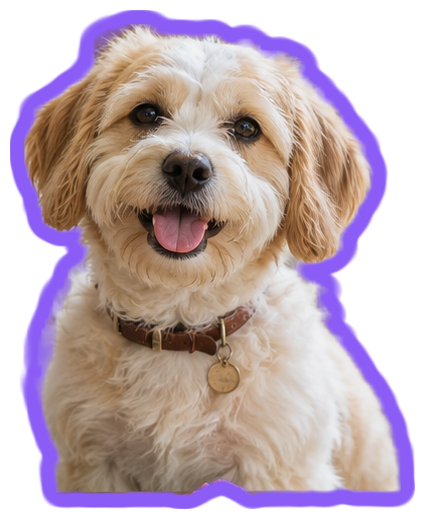
Dog
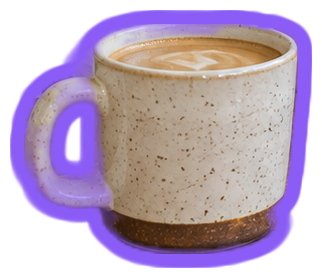
Coffee cup
Plant
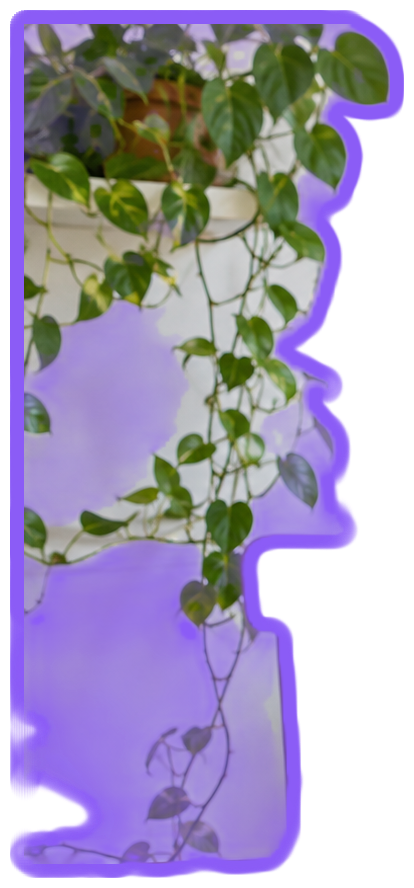
Hanging plant
Keep them all
Individual files or one ZIP
A visible outline helps a cutout stand apart from the page or design behind it.
Use classic white, match a brand color, or coordinate a planner collection.
Download a PNG that stays transparent around the sticker and its border.
Choose the PNG image you want to turn into a sticker.
An already-transparent image goes straight to a sticker preview. For a regular PNG photo, review the automatic cutouts.
Change thickness and color while watching the preview, then download the final PNG.
PNG to sticker
Yes. Upload the image and its artwork is kept as a single sticker. Adjust the border color and thickness directly, then download your PNG.
Yes. Select White under Border color and move Border thickness until the edge looks right. Your preview and download use the same border.
Yes. The area outside the sticker and its outline remains transparent.
Yes. Set Border thickness to 0 and download the transparent cutout.
Yes. Choose Download all to save one ZIP containing your finished stickers as separate PNG or WebP files. The ZIP uses 1 credit per image inside, and the total is shown before downloading.
Yes. Change Border thickness or Border color and all your sticker previews update immediately. Downloads keep the style you see. Set thickness to 0 for a cutout without a border.
Making PNG stickers and previewing their borders is free without an account. Sign up for 1 free credit to download your first finished PNG. Each image download uses 1 credit.
A PNG with a solid background goes through automatic subject detection and cutout. A PNG that already has transparency keeps its artwork as one sticker.
You can add several PNG files and give the finished stickers one shared border. Each file can be up to 25 MB, and Download all saves the set in one ZIP.
Choose WhatsApp sticker under Download as to export your artwork as a transparent 512 × 512 WebP image. Choose PNG image when you want a transparent PNG instead.
Your PNG artwork is processed locally in your browser. The file is not uploaded to a server to add a border or create a cutout.